Set Default House Account for Pantry Setup
The Set default House Account option allows users to set the default house account for the pantry. An essential step during the set-up of the pantry module involves setting up the default house account. House accounts are meant to carry out transactions for pantry items. Grouping pantry items to house accounts also help in reporting. All transactions for pantry items paid for immediately (Pay Now option) are directed to the default house account.
Perform the following steps to set default house account for the pantry:
Navigate to Settings ➜ All Settings ➜ Accounting ➜ Pantry Management. The Pantry Setup page is displayed.
Click the hyperlink indicating Set default House Account.
In the Set House Account page, enter the name of the house account in the Search For House Account option to set the house account for the pantry items. The search prompt is enabled here.
From the Destination Folio drop-down, select the folio to which all charges must be directed.
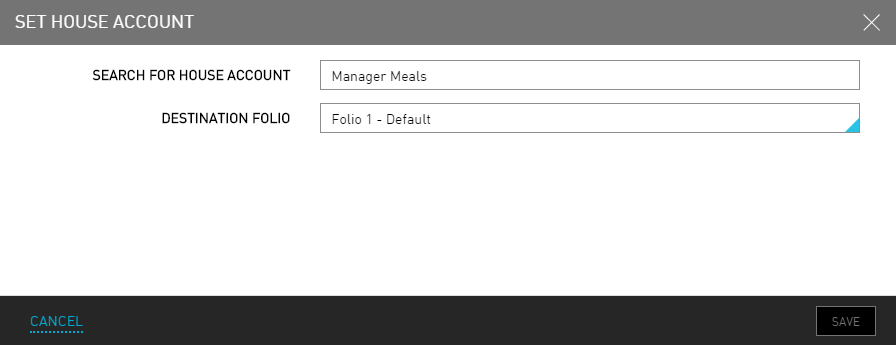
Click Save. The house account is now successfully set up for the pantry module.